A WordPress user normally has exactly one role. Multiple User Roles lets one person hold several at once, for example Editor and Shop Manager, so they get the permissions of both without you creating a custom role.
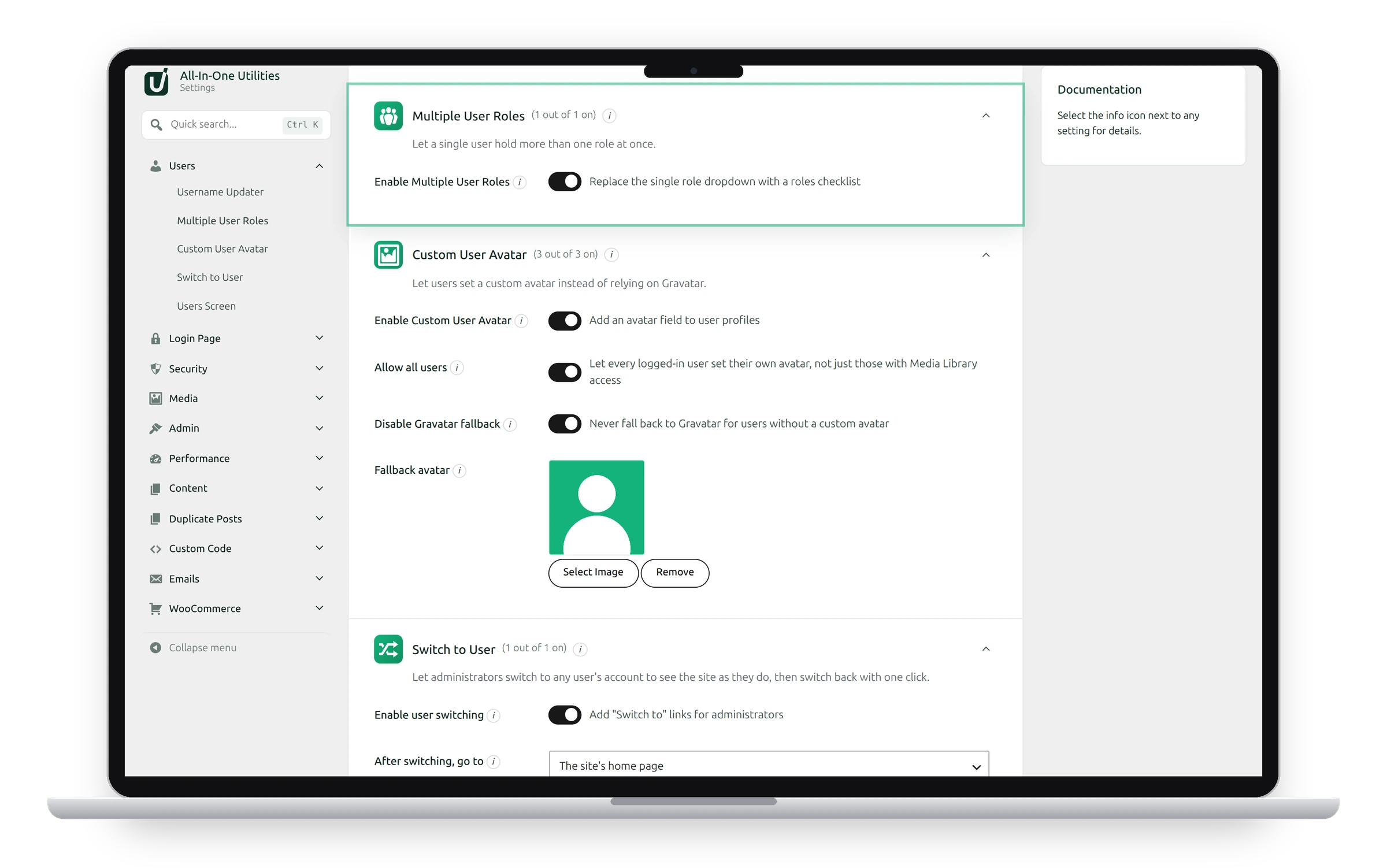
Settings
- Enable Multiple User Roles: replaces the single Role dropdown with a checklist of roles.
Give a user several roles
- Switch on Enable Multiple User Roles and click Save changes.
- Go to Users → All Users and edit the user (or add a new one).
- Under Roles, tick every role the user should have.
- Click Update User.
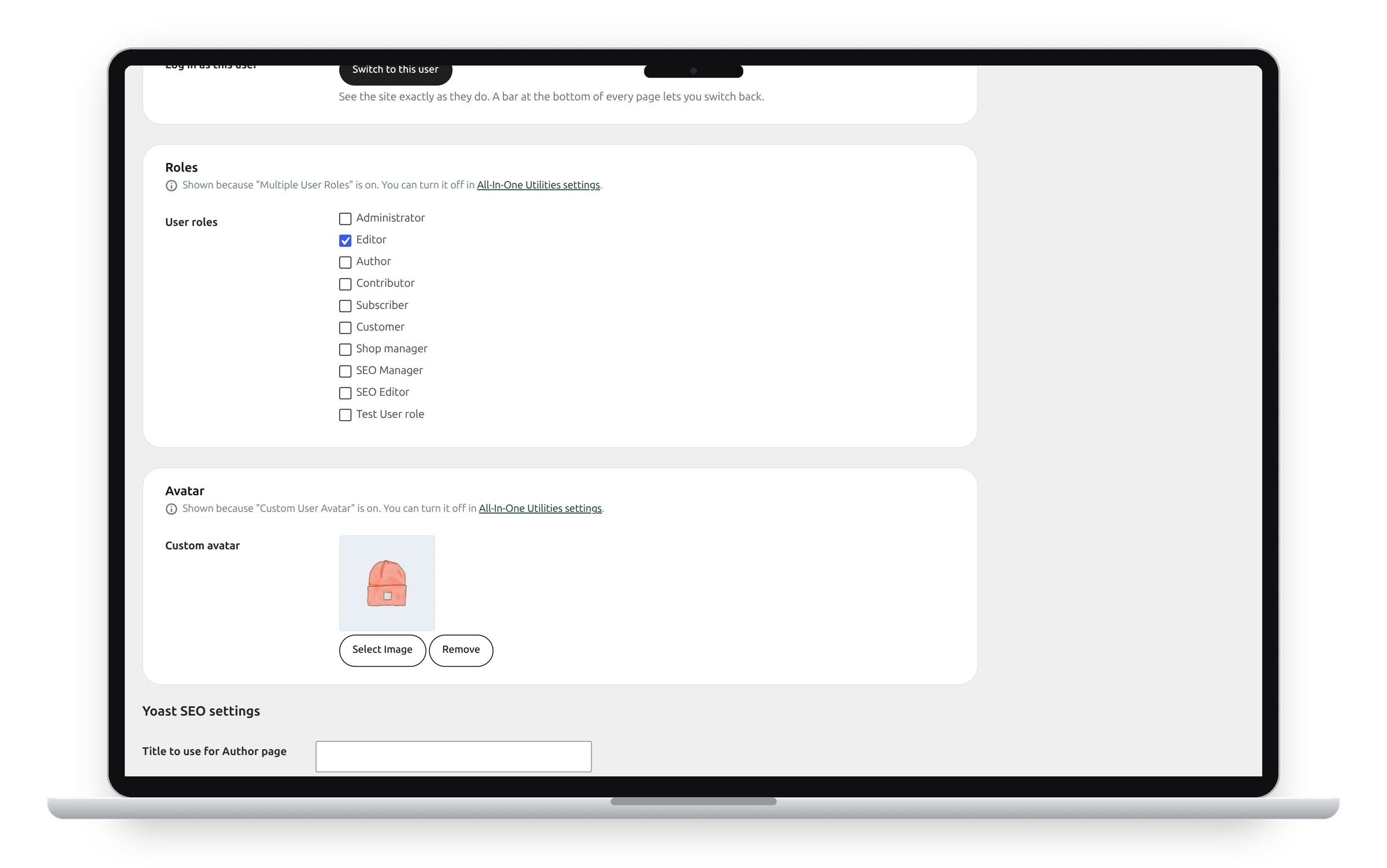
The user now has every permission of every ticked role. In Users → All Users, the Role column becomes Roles and lists all of them.
You can't change your own roles
To stop anyone locking themselves out by accident, you can’t change the roles on your own profile. Another administrator can change them for you.
Switching it off
When you switch the feature off, users keep every role they were given, and the single dropdown comes back. If a user has several roles, the dropdown shows only one of them; saving that user from the dropdown would leave them with just that one.
See also Username Updater and Switch to User.
Get the plugin: All-in-One Utilities is free, so you can add it to any site. Then, when you need more, its premium add-ons add extra features.