If your site doesn’t use comments, switching them off post by post is tedious, and spam still arrives. Comments switches them off everywhere at once, while keeping the ones you need, such as WooCommerce product reviews.
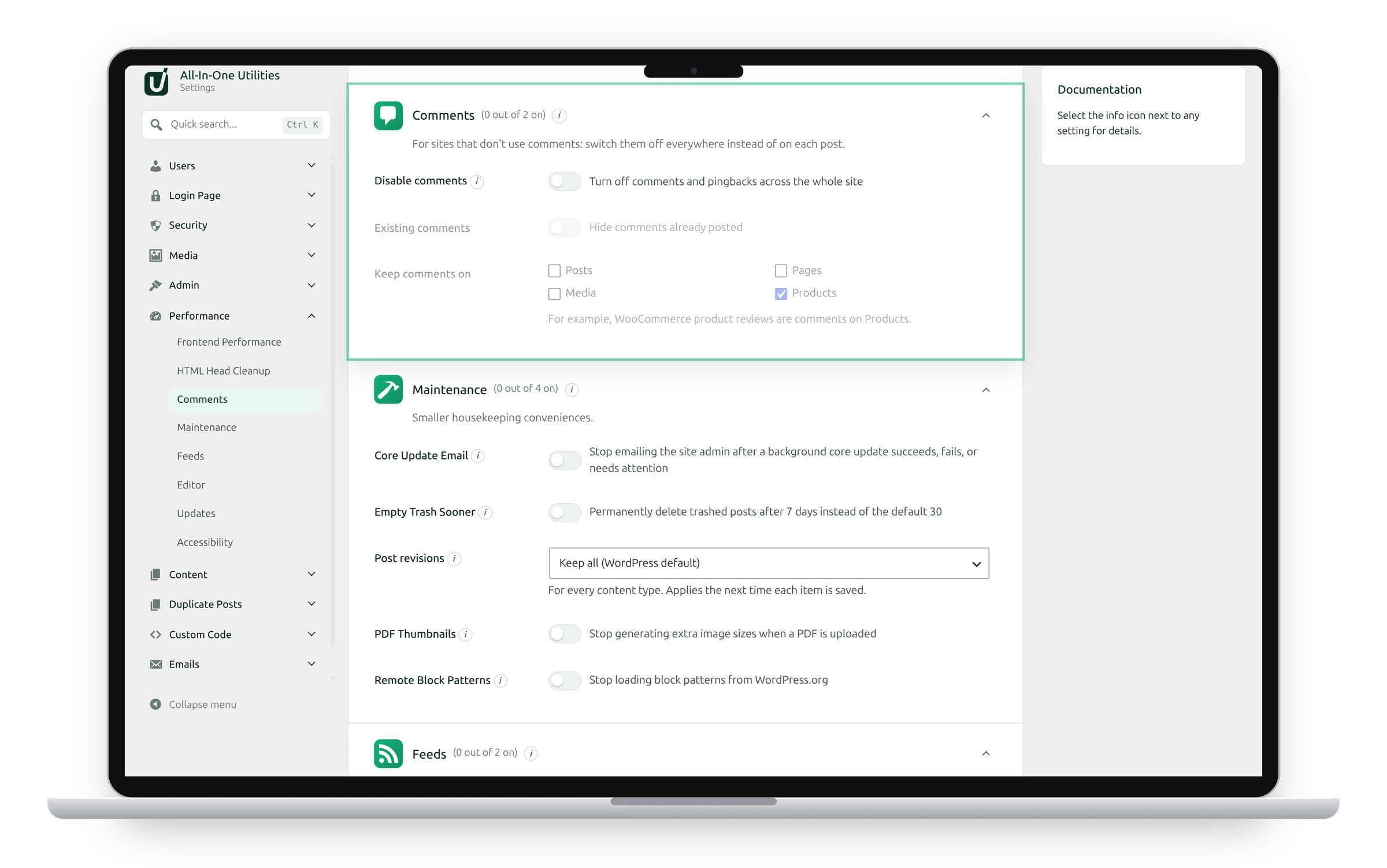
Settings
- Disable comments: closes comments and pingbacks on all content. It removes the comment form, the Comments menu (unless a type keeps comments), the toolbar bubble, the Recent Comments widget and Dashboard box, comment feeds and the comments REST API, and refuses new comments however they’re sent.
- Existing comments: also hides comments already posted, on the page, in comment feeds and in comment widgets.
- Keep comments on: content types that keep their comments, such as Products, since WooCommerce reviews are comments on products.
Switch comments off
- Switch on Disable comments.
- Tick Existing comments to hide old comments too.
- Under Keep comments on, tick any types that should keep them, such as Products.
- Click Save changes.
Nothing is deleted
Switch this off and comments come back exactly as they were. To delete stored comments for good, use Tools → Database Cleanup.
What visitors see
Posts show no comment form and no “Leave a comment” link. Sending a comment directly gets “Sorry, comments are closed for this item.” Product pages keep their reviews if Products is under Keep comments on.
See also Feeds and Database Cleanup.
Get the plugin: All-in-One Utilities is free, so you can add it to any site. Then, when you need more, its premium add-ons add extra features.