Rewards gives logged-in customers points for a daily visit streak and for completed orders. They spend the points as a discount at checkout.
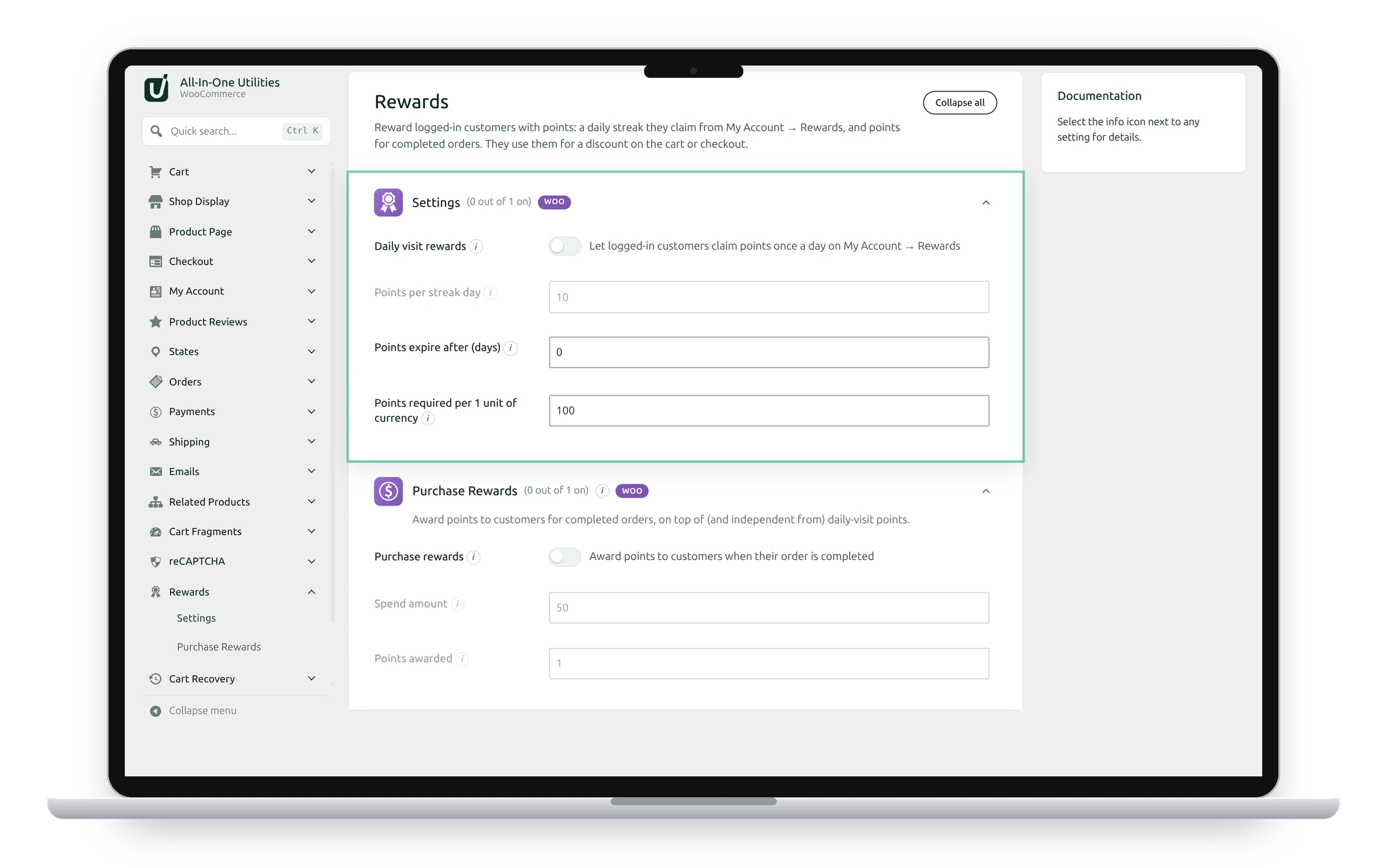
Daily visit rewards
Switch on Daily visit rewards. My Account gets a Rewards page with the customer’s points, a 7-day streak and their points history. Each day, they click that day’s tile to claim its points.
- Points per streak day: streak day N earns N times this amount. The default of 10 gives 10, 20, 30 … 70 across the 7 days. Claiming on consecutive days advances the streak; after day 7 it starts again at day 1, and missing a day starts it again too.
- Points expire after (days): 0 means points never expire. Otherwise points expire that many days after they were earned, checked once a day.
- Points required per 1 unit of currency: what points are worth. 100 means 100 points are worth 1 unit of your currency, so 250 points take 2.50 off.
Purchase rewards

Switch on Purchase rewards to award points for completed orders, on top of the daily points.
- Spend amount: how much a customer spends to earn points, such as 50.
- Points awarded: points per spend amount. With 50 and 1, a $120 order earns 2 points.
Points are awarded when an order reaches Completed, and taken back if it’s later cancelled or refunded. An order is only ever awarded once.
Spending points
Customers use their points in the Your reward points box on the cart or checkout: all of them, or a number they choose. Only logged-in customers earn or spend points; there’s nowhere to keep a guest’s balance.
See also Abandoned cart recovery and Stock alerts.
Get the add-on: compare the plans for All-in-One Utilities Woo Add-on, then pick the one that fits your sites.