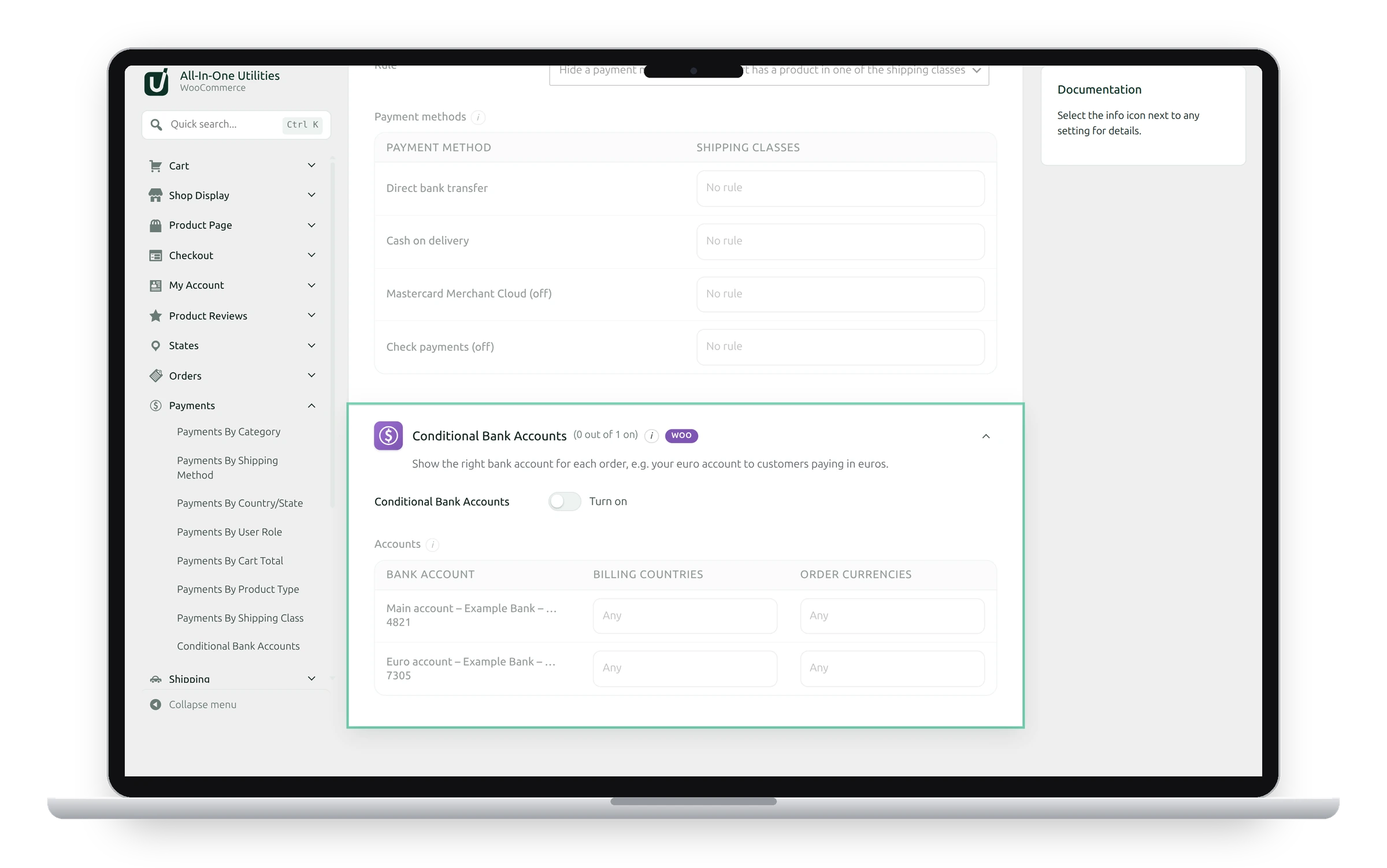
Conditional Bank Accounts shows the right bank account for each order, for example your euro account to customers paying in euros.
Set it up
- Add your accounts under WooCommerce → Settings → Payments → Direct bank transfer first.
- Switch on Conditional Bank Accounts.
- For each account, choose the countries and the currencies it’s for.
- Click Save changes.
An account is shown when the order matches both of its lists; an empty list matches anything. If no account matches an order, all accounts are shown, so the customer always has somewhere to pay.
Reordering accounts
Rules follow each account’s position in the list. If you reorder or delete accounts under Direct bank transfer, check these rules again.
See also Conditional payment methods.
Get the add-on: compare the plans for All-in-One Utilities Woo Add-on, then pick the one that fits your sites.