Stock Alerts tells customers when a product is back in stock, and you when stock runs low.
Back in stock

Switch on Back-in-stock emails to show an “Email me when it’s back” form on out-of-stock products.
- Form text: the text above the form.
- Email subject and Email message: the email sent when the product is back. Use
{product}and{url}.
When the product, or one of its variations, comes back in stock, everyone who signed up is emailed once, with a link to the product. Each email has an unsubscribe link.
Privacy
This collects email addresses: mention it in your privacy policy.
Low stock digest

One morning email listing every product that’s running low, instead of one email per product.
- Daily digest: sends the list every morning, only when something is low. It lists products that manage stock and are at or below their low-stock threshold (WooCommerce → Settings → Products → Inventory), including out-of-stock ones.
- Send to: who gets it.
- WooCommerce’s own emails: stops WooCommerce’s one-per-product low-stock emails while the digest is on.
Sign-ups
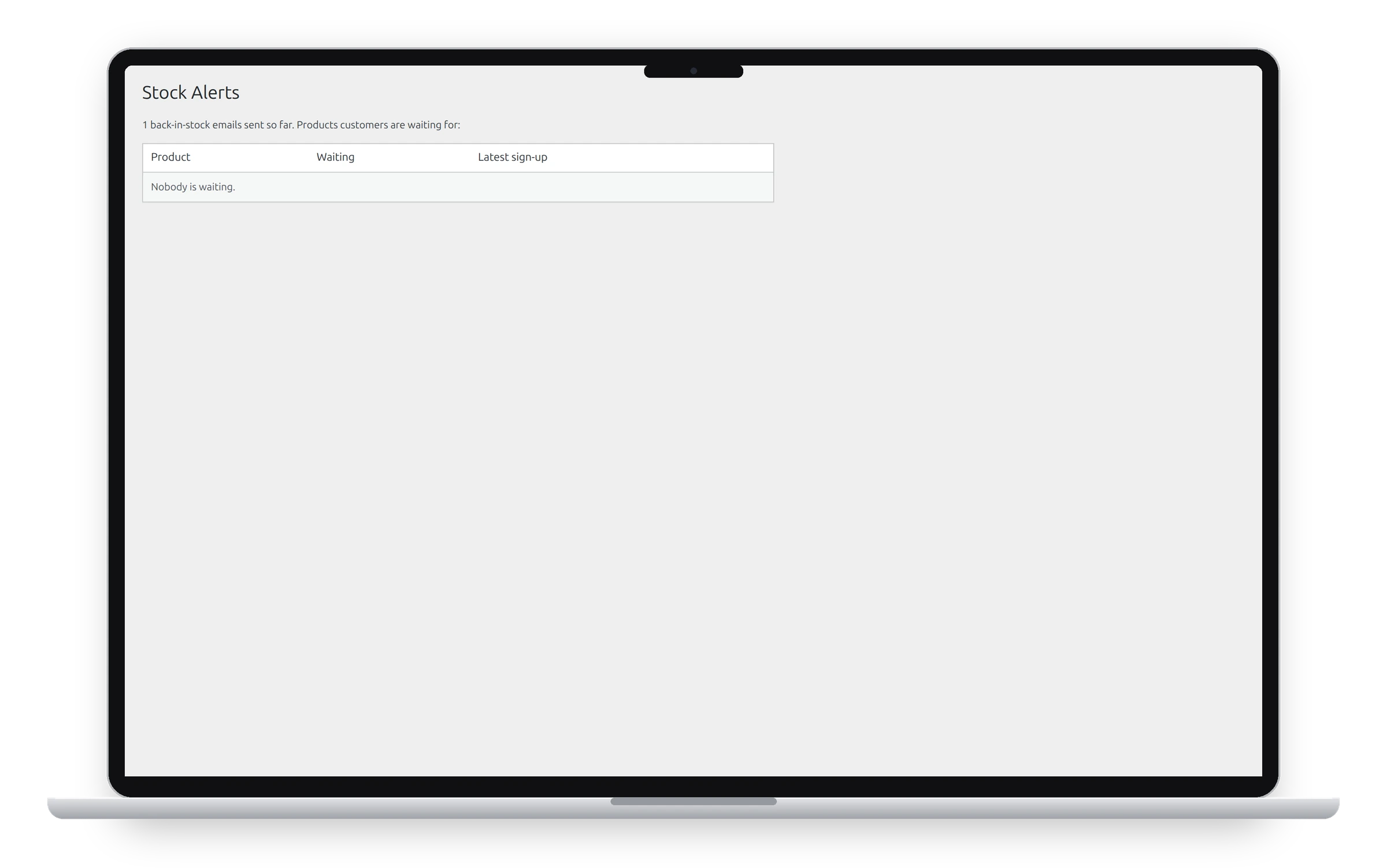
WooCommerce → Stock Alerts lists the products customers are waiting for, with their SKU, stock, how many people are waiting and the latest sign-up, so you can see what to restock first. It also counts the back-in-stock emails sent so far. Clear sign-ups removes a product’s waiting list.
See also Abandoned cart recovery and Reward points.
Get the add-on: compare the plans for All-in-One Utilities Woo Add-on, then pick the one that fits your sites.