Sessions sets how long logins last and how many browsers each user can be logged in on, and shows everyone logged in right now.
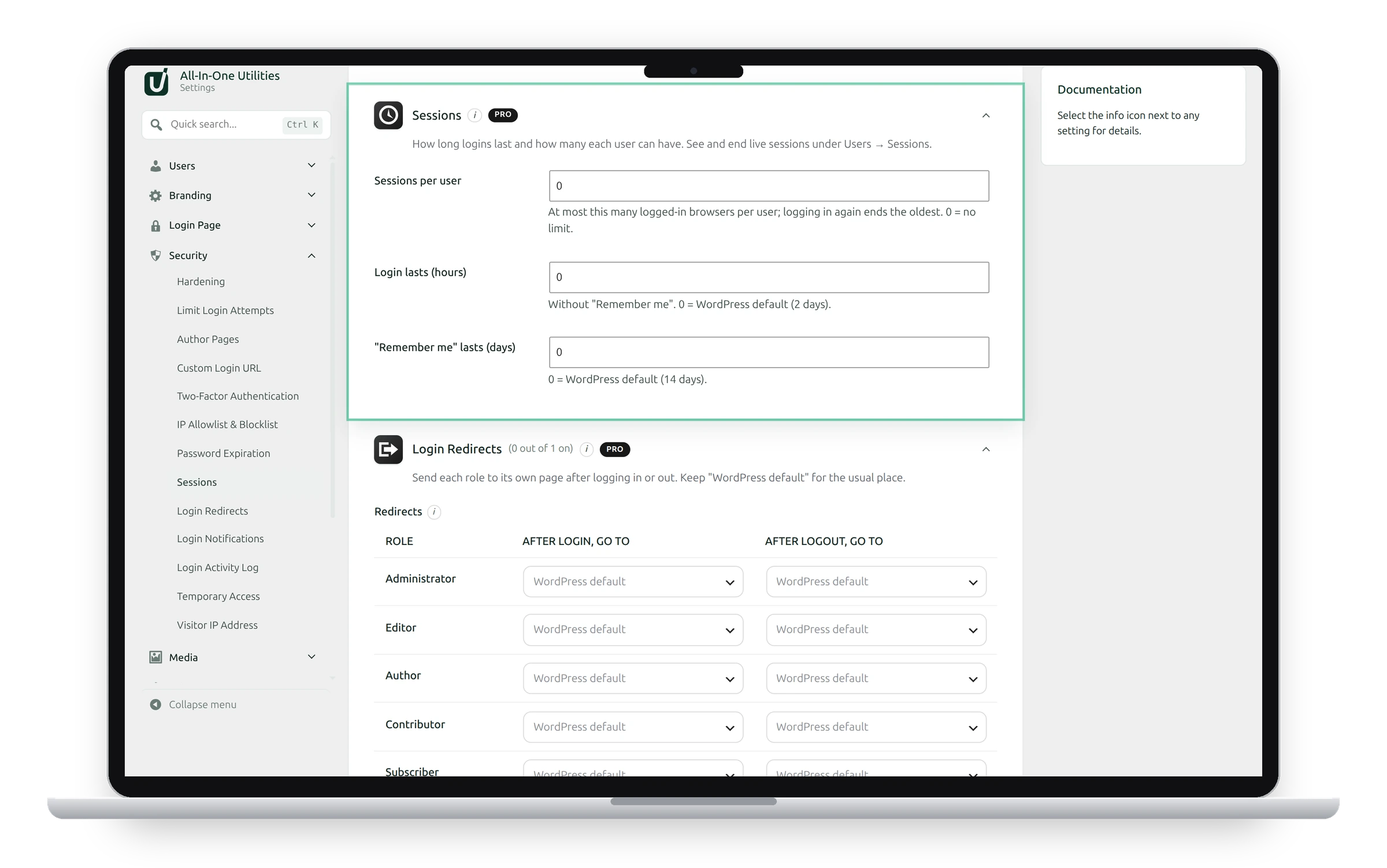
Settings
- Sessions per user: at most this many logged-in browsers per user. Logging in again ends the oldest. 0 means no limit.
- Login lasts (hours): how long a login lasts without Remember me. 0 keeps WordPress’s 2 days.
- “Remember me” lasts (days): 0 keeps WordPress’s 14 days.
See and end sessions
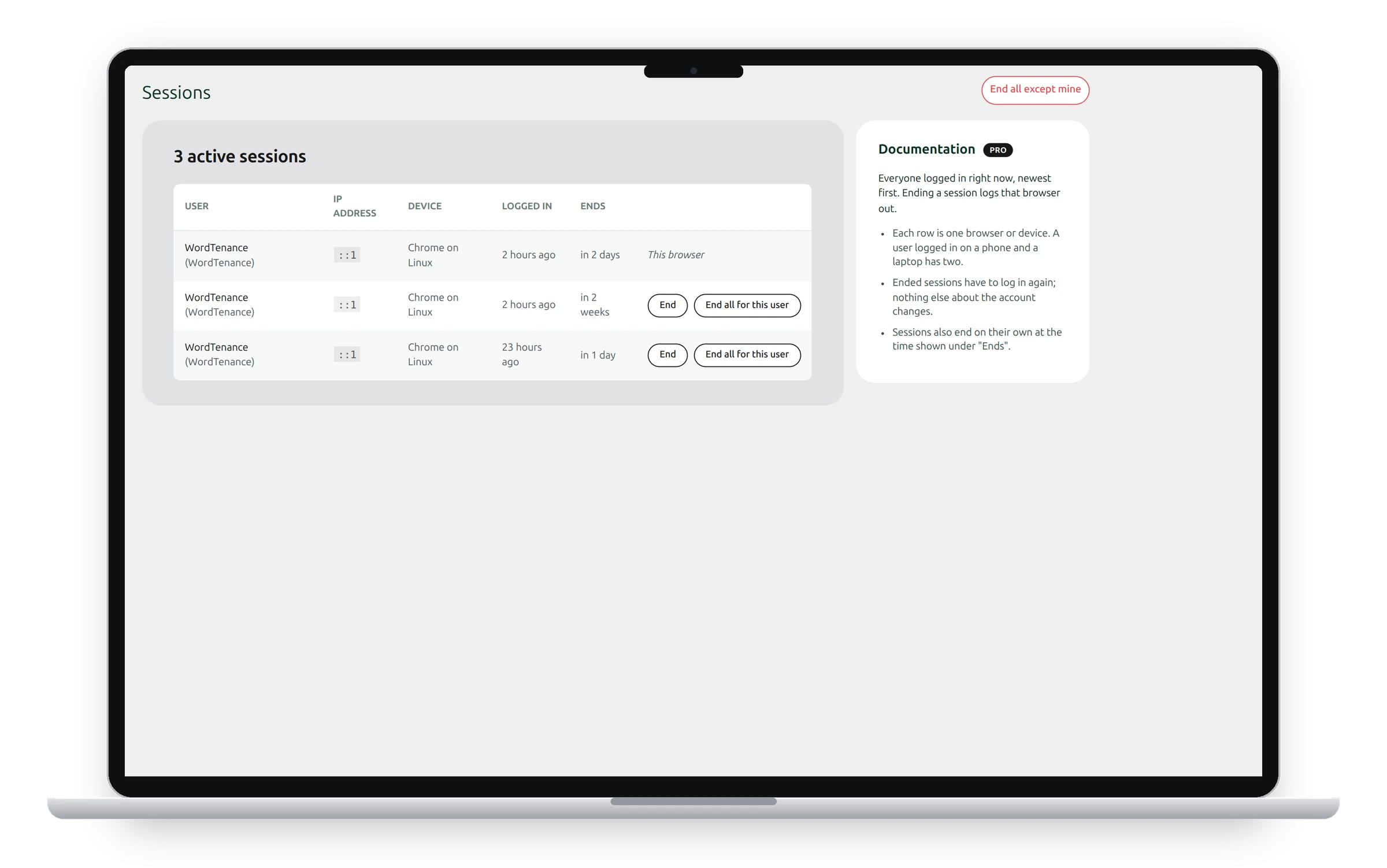
Go to Users → Sessions. Each row is one browser or device, newest first, with its IP address, device, when it logged in and when the session ends. A user logged in on a phone and a laptop has two rows.
- End logs that browser out.
- End all for this user logs the user out everywhere.
- End all except mine logs everyone else out, for example after a security scare.
Ended sessions have to log in again; nothing else about the account changes.
See also Blocking user accounts and Password expiration.
Get the add-on: compare the plans for All-in-One Utilities Pro, then pick the one that fits your sites.