
To choose a WooCommerce theme for a food or restaurant business, prioritize appetizing large-format imagery support, an online ordering/menu-friendly layout, options for delivery zones or pickup scheduling, and fast mobile performance — food shoppers and diners browse quickly and decide fast, so friction anywhere in that path costs orders.
Why Food and Restaurant Stores Need Different Theme Priorities
- Appetite appeal depends heavily on large, high-quality food photography rendering beautifully
- Menu-style layouts differ from typical product grids — categories, add-ons, and combos need clear structure
- Local/delivery-focused businesses often need scheduling or zone-based ordering support baked into the theme or a compatible plugin
What to Look For
Menu-Style Product Display
Look for a theme that supports a clean, scannable menu layout rather than a generic ecommerce grid — food customers expect to see options grouped logically (starters, mains, drinks) rather than a flat product list.
Product Add-Ons and Modifiers
Confirm the theme plays well with add-on/modifier plugins for things like “extra cheese” or “size upgrade,” since these are central to food ordering but not part of a typical WooCommerce theme’s default styling.
Delivery Zones and Time Slots
If you offer local delivery, check whether the theme’s checkout flow accommodates a delivery zone or scheduled time-slot plugin cleanly, rather than looking bolted-on.
Fast Mobile Load Times
Food orders skew heavily toward impulsive, mobile-driven decisions — a theme that’s slow on mobile directly costs same-session conversions.
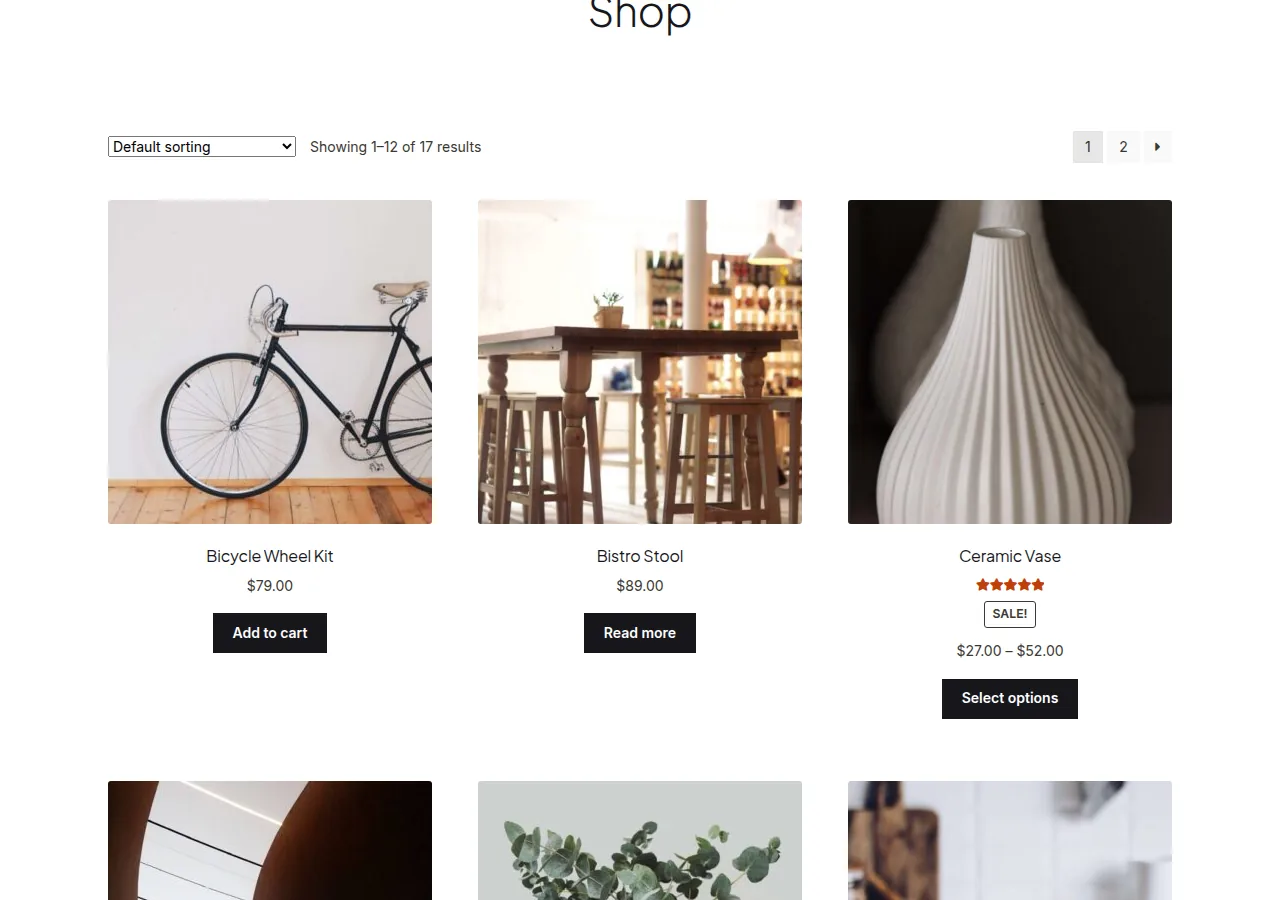
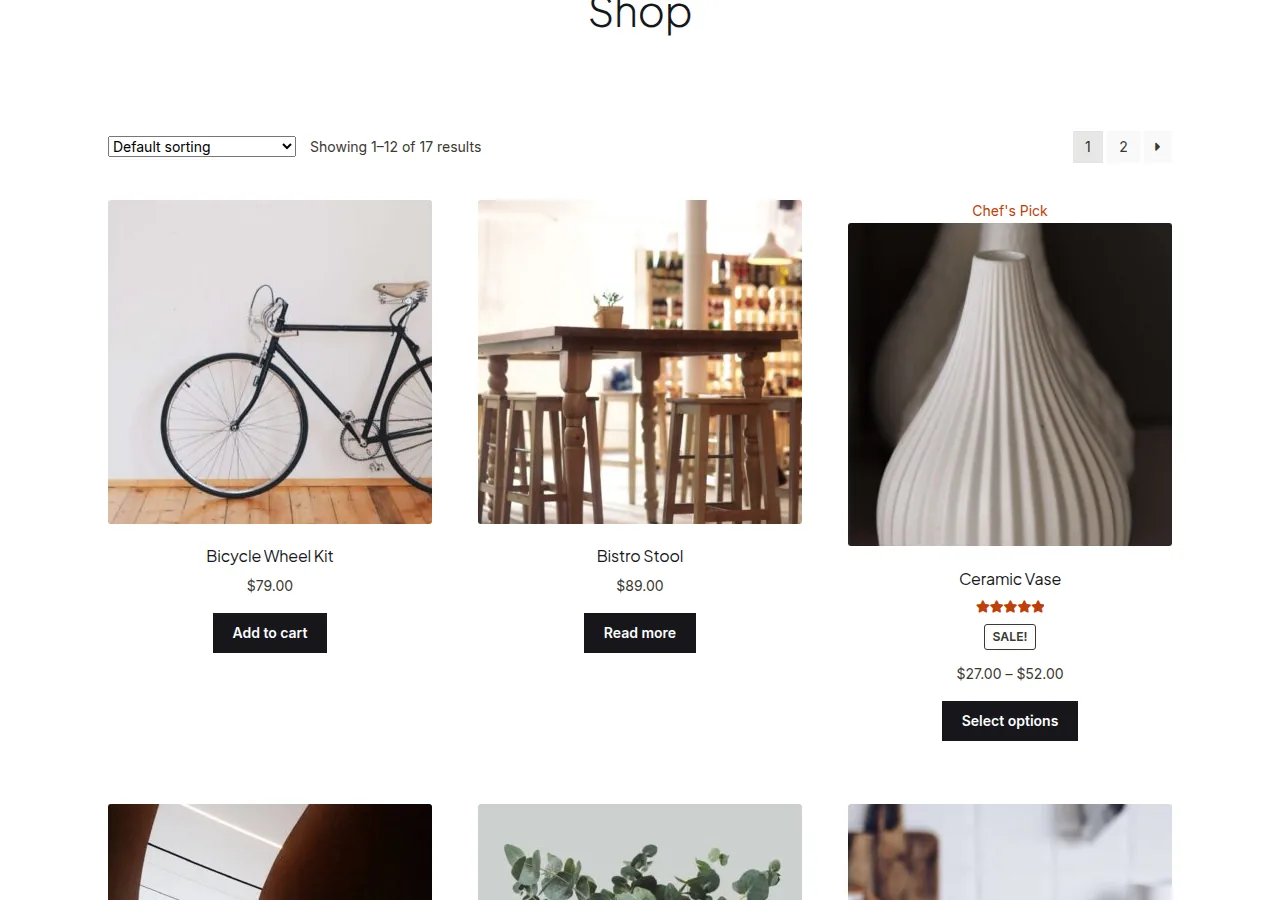
A Small Code Example: Highlighting a “Chef’s Pick” Item
/** Display a "Chef's Pick" badge on featured menu items */
add_action( 'woocommerce_before_shop_loop_item_title', 'display_chefs_pick_badge', 5 );

function display_chefs_pick_badge() {
    global $product;
    if ( $product->is_featured() ) {
        echo '<span class="chefs-pick-badge">Chef\'s Pick</span>';
    }
}
Troubleshooting
Menu Layout Looks Cluttered With Many Categories
Consider using WooCommerce category pages as separate “menu sections” with clear navigation between them, rather than trying to force every item onto a single long page.
Add-On Prices Don’t Reflect Correctly at Checkout
This is usually a plugin compatibility issue between your add-ons plugin and the theme’s checkout styling — test the full order flow, not just the product page, before finalizing a theme choice.
Frequently Asked Questions
Do I need a theme specifically built for restaurants?
Not strictly — a well-built general WooCommerce theme with good image handling and add-on plugin compatibility can work fine, but a food-specific theme often saves setup time.
Should I prioritize design or ordering functionality?
Functionality first — a beautiful theme that makes ordering add-ons or scheduling delivery confusing will lose more sales than a slightly plainer, more functional one.
Is a dedicated food ordering plugin better than a theme’s built-in features?
Often yes for delivery zones, time slots, and modifiers specifically — pick a theme that’s compatible with a proven food-ordering plugin rather than relying purely on theme-level features.
Conclusion
Choosing a WooCommerce theme for a food or restaurant business comes down to menu-style layout support, add-on compatibility, delivery/pickup flexibility, and mobile speed — test the full ordering flow with your actual menu before committing to any theme.
See also How to Choose the Right WooCommerce Theme. Then read How to Choose a WooCommerce Theme for a Fashion Store.
Prefer no code? All-in-One Utilities Woo Add-on adds over 50 WooCommerce features, so you can switch them on without code.