
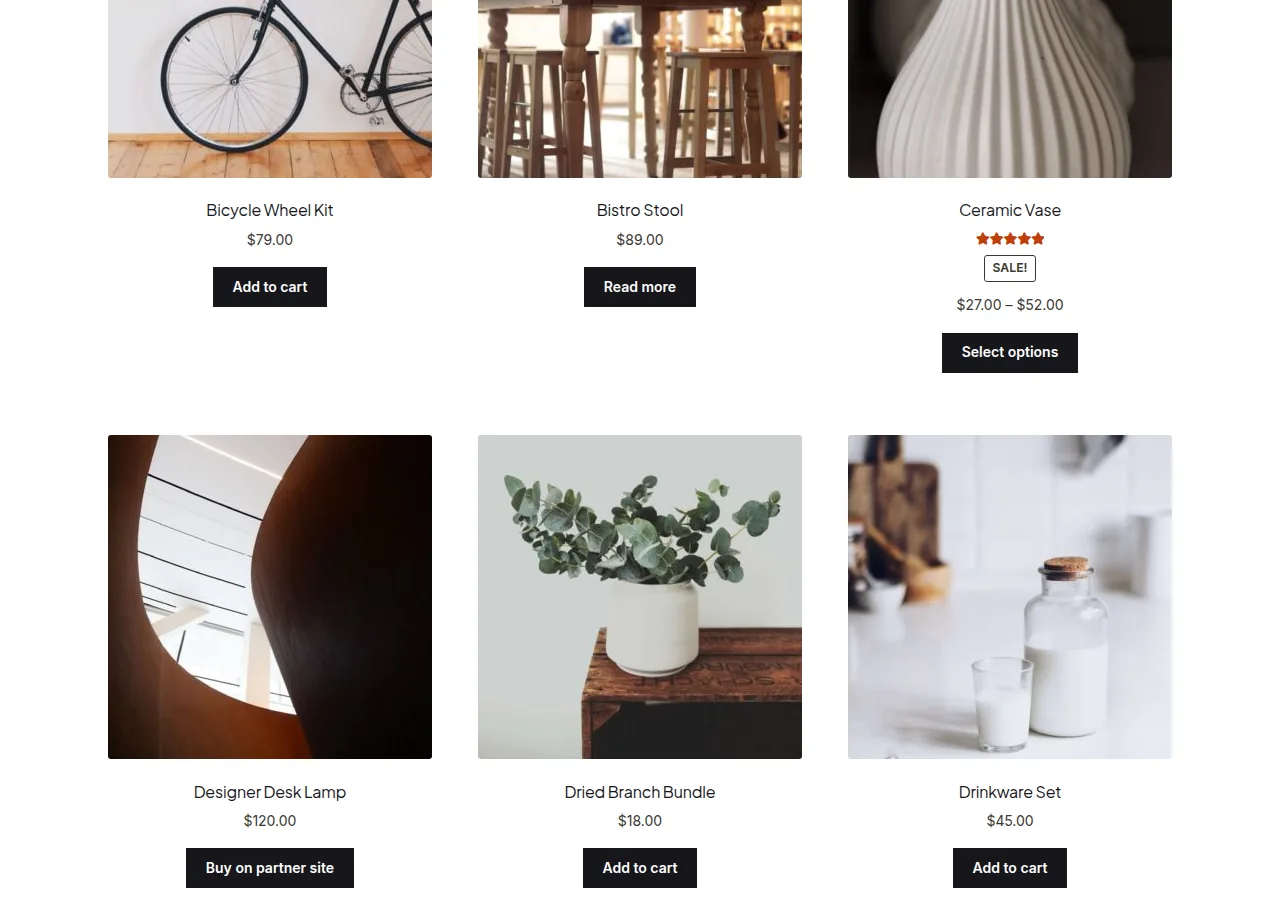
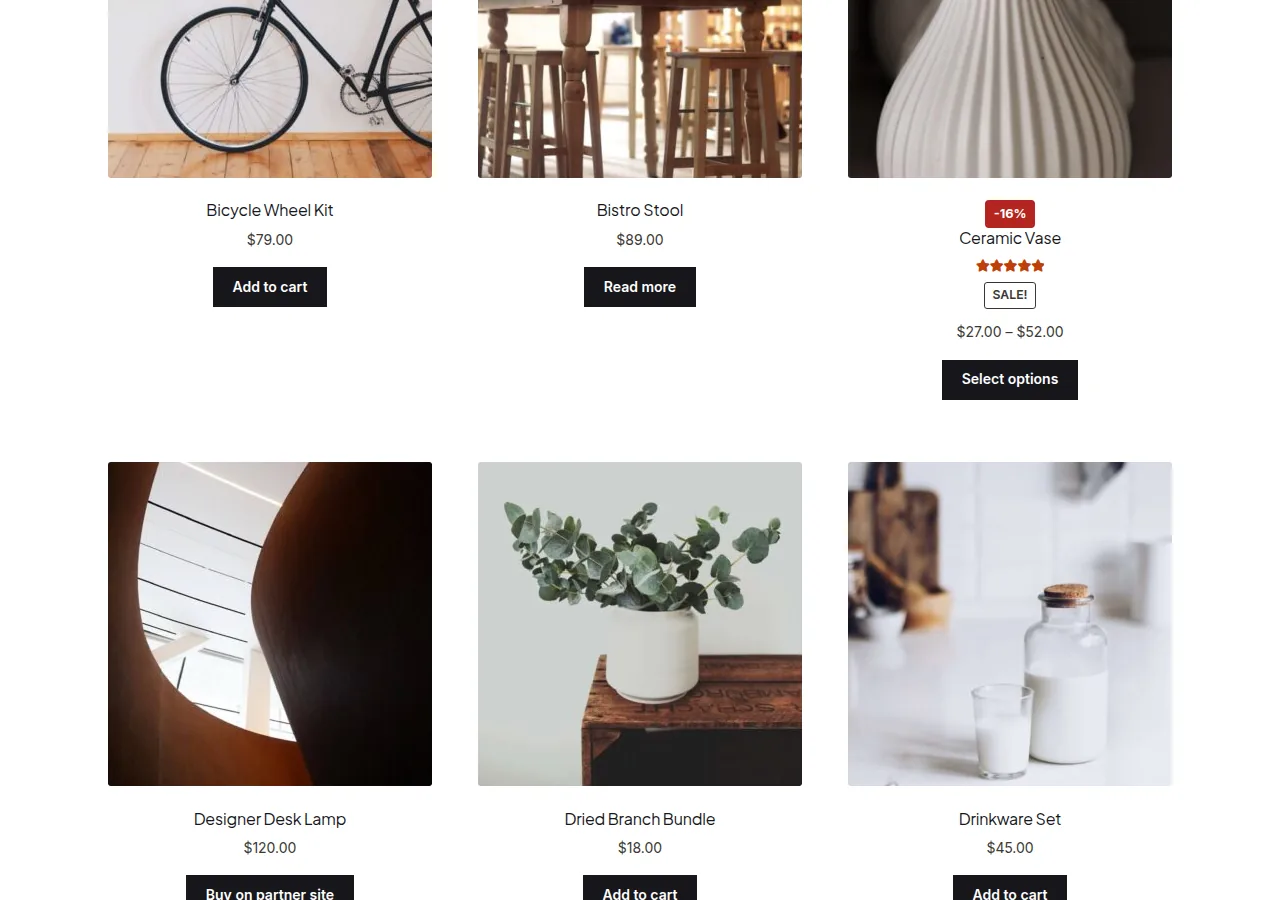
You can display a discount percentage on the WooCommerce shop page by replacing the default “Sale!” badge with a calculated percentage-off figure, worked out from the regular and sale price of simple products, or the largest discount among a variable product’s variations. A short filter on the shop loop badge handles both cases.
Why Show a Percentage Instead of a Generic Sale Badge
- A specific number (“-30%”) is more persuasive than a generic “Sale!” label
- Helps shoppers quickly compare which items have the deepest discounts
- Matches the pricing transparency shoppers expect from major retailers
Step 1: Add the Discount Percentage Snippet
/** Replace the sale badge with a calculated discount percentage in the shop loop */
add_action( 'woocommerce_before_shop_loop_item_title', 'render_discount_percentage_badge', 25 );

function render_discount_percentage_badge() {
    global $product;

    if ( ! $product->is_on_sale() ) {
        return;
    }

    $highest_discount = 0;

    if ( $product->is_type( 'simple' ) ) {
        $regular = $product->get_regular_price();
        $sale = $product->get_sale_price();
        if ( $regular > 0 ) {
            $highest_discount = ( $regular - $sale ) / $regular * 100;
        }
    } elseif ( $product->is_type( 'variable' ) ) {
        foreach ( $product->get_children() as $variation_id ) {
            $variation = wc_get_product( $variation_id );
            $regular = $variation->get_regular_price();
            $sale = $variation->get_sale_price();
            if ( $regular > 0 && $sale !== '' ) {
                $discount = ( $regular - $sale ) / $regular * 100;
                $highest_discount = max( $highest_discount, $discount );
            }
        }
    }

    if ( $highest_discount > 0 ) {
        echo '<div class="discount-badge">-' . round( $highest_discount ) . '%</div>';
    }
}
Basic Badge Styling
.discount-badge {
    background-color: #b3261e;
    display: inline-block;
    padding: 0.25em 0.7em;
    font-size: 0.8rem;
    font-weight: 700;
    color: #fff;
    border-radius: 4px;
}
Troubleshooting
Badge Doesn’t Appear for a Product on Sale
Confirm both a regular and sale price are actually set — a product marked “on sale” without a valid regular price greater than zero won’t produce a usable percentage.
Variable Products Show 0% or No Badge
Check that at least one variation has both regular and sale prices populated — a variable product only shows a discount if a specific variation actually has a sale price, not just the parent.
Badge Overlaps Product Image
This is a CSS positioning issue specific to your theme’s loop markup — adjust the badge’s positioning rules to match your theme’s product card layout.
Frequently Asked Questions
Does this replace the default WooCommerce “Sale!” badge entirely?
Yes, effectively — since this hooks into the same badge position, you’ll typically want to remove or hide the default badge output to avoid duplication.
Can I round the percentage differently?
Yes — swap round() for floor() or ceil() depending on whether you want to round down or always round up.
Does this work on the single product page too?
Not with this exact snippet — it’s scoped to the shop loop hook; a separate snippet targeting the single product page summary would be needed there.
Conclusion
Displaying a discount percentage on the WooCommerce shop page replaces the generic sale badge with a calculated number, using the product’s own regular and sale prices. It’s a small change that often makes discounted items noticeably more compelling in the loop.
See also How to Set a Product Discount Percentage in the WooCommerce Product Admin. Then read How to Show a Percentage Off Badge in WooCommerce.
Prefer no code? All-in-One Utilities Woo Add-on adds over 50 WooCommerce features, so you can switch them on without code.