
You can capitalize all product names in WooCommerce automatically with a filter on the_title that runs every product title through PHP’s ucwords(), fixing inconsistent capitalization across the whole catalog without editing products one by one.
Why Standardize Product Title Capitalization
- Bulk imports or multiple contributors often leave a mix of Title Case, lowercase, and ALL CAPS titles
- Inconsistent capitalization looks unpolished on the shop page and in search results
- Fixing it in code avoids manually re-typing hundreds or thousands of product names
Step 1: Auto-Capitalize Every Product Title
/** Force consistent Title Case on every product name, storefront only */
add_filter( 'the_title', 'force_title_case_on_product_names', 9999, 2 );

function force_title_case_on_product_names( $title, $post_id ) {
    if ( ! is_admin() && 'product' === get_post_type( $post_id ) ) {
        $title = ucwords( strtolower( $title ) );
    }
    return $title;
}
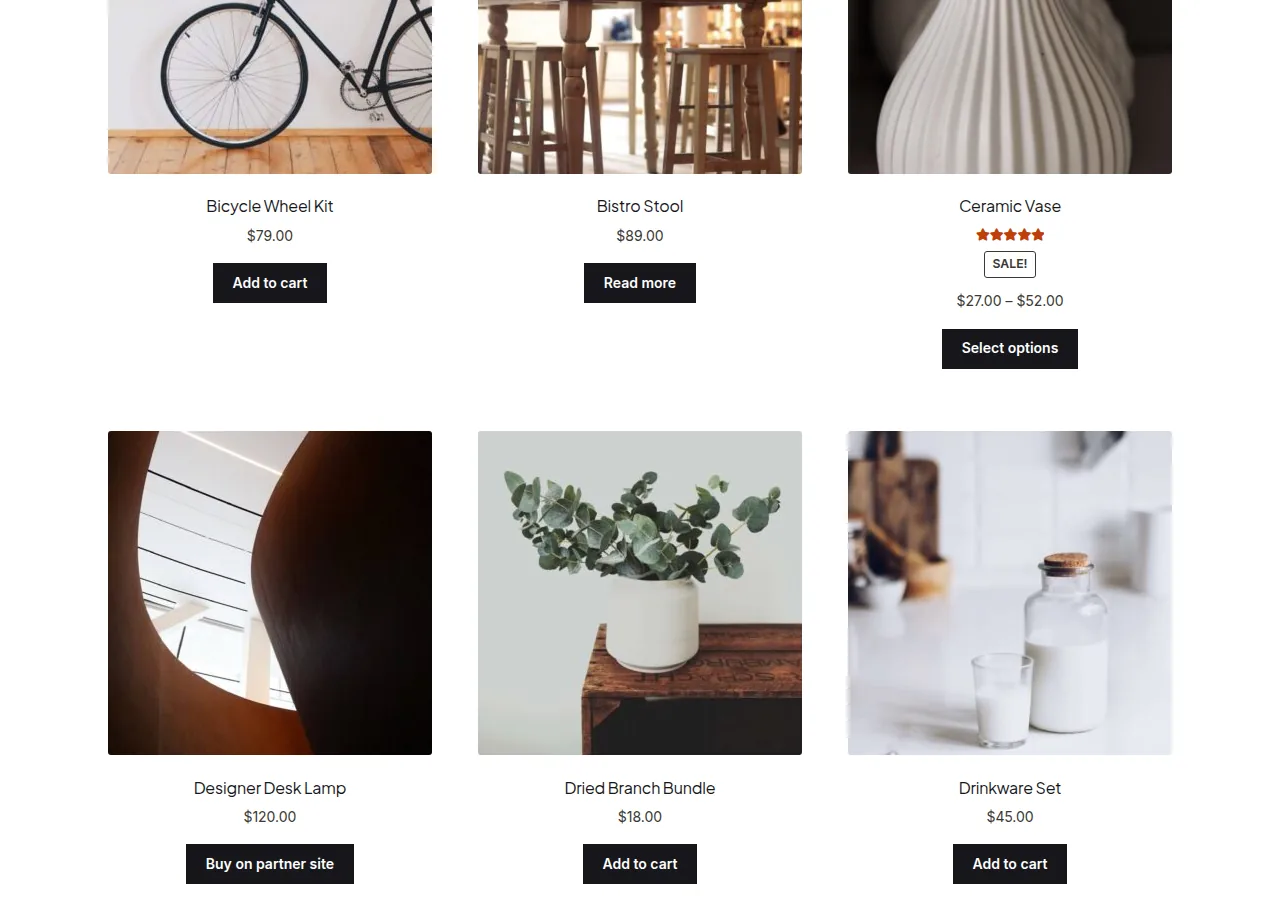
Capitalizing Every Letter Instead of Just Each Word
If you want SHOUTED-style titles (e.g. for a streetwear or bold branding aesthetic) rather than Title Case, use strtoupper() instead:
add_filter( 'the_title', 'force_uppercase_on_product_names', 9999, 2 );

function force_uppercase_on_product_names( $title, $post_id ) {
    if ( ! is_admin() && 'product' === get_post_type( $post_id ) ) {
        $title = strtoupper( $title );
    }
    return $title;
}
Troubleshooting
Acronyms and Brand Names Get Mangled
Title Case via ucwords( strtolower() ) will turn “USB” into “Usb” and “iPhone” into “Iphone.” If your catalog has brand names or acronyms that must stay as-is, add an exceptions list and run a str_replace pass after the initial conversion.
Title Looks Right on Shop But Wrong in Admin
That’s expected — the ! is_admin() check deliberately leaves the admin product list showing the original, unmodified title so editors always see the true stored value.
Frequently Asked Questions
Does this change the actual product title in the database?
No, this is a display-only filter — the original title stored in the database is untouched, which means it’s easy to reverse by removing the snippet.
Will this affect page and post titles too?
No, the get_post_type( $post_id ) === 'product' check limits the filter strictly to products.
Does this affect the URL slug?
No, slugs are generated separately and aren’t touched by a the_title filter.
Conclusion
Capitalizing all product names in WooCommerce is a one-filter fix using the_title and ucwords(). It’s a fast way to make an inconsistent catalog look uniform without manually editing every product.
See also How to Override the Product Category Page Title in WooCommerce. Then read How to Display Product Brands on the WooCommerce Shop Page.
Prefer no code? All-in-One Utilities Woo Add-on adds over 50 WooCommerce features, so you can switch them on without code.