
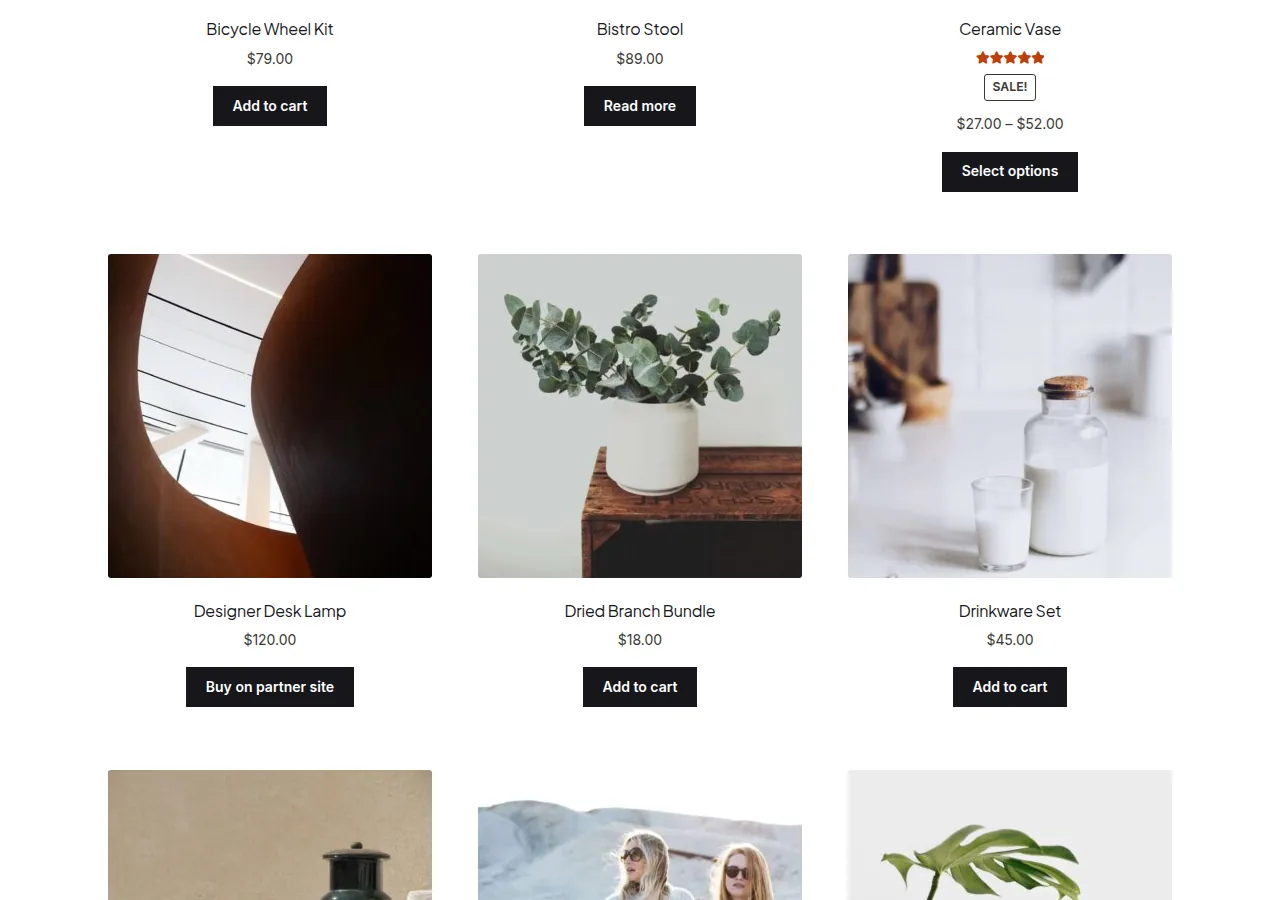
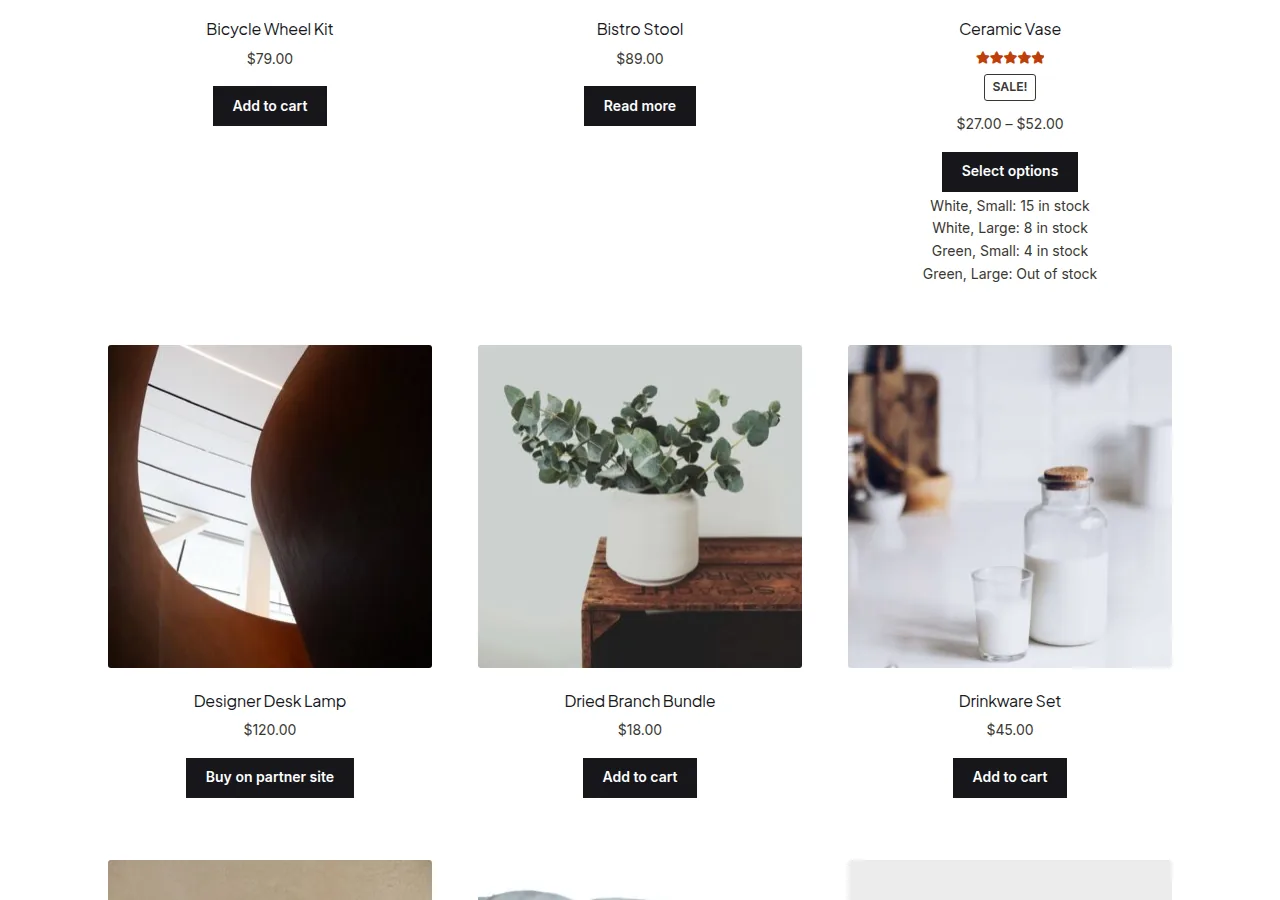
You can display variation stock status on the WooCommerce shop page by looping through each variable product’s available variations in the shop loop and printing each one’s attribute combination alongside its stock availability text. This gives shoppers a quick view of which sizes or colors are in stock before they even click into the product.
Why Show Variation Stock in the Loop
- Shoppers can see at a glance whether their preferred size/color is available
- Reduces frustrated clicks into out-of-stock variation combinations
- Useful for stores where specific variations sell out frequently
Step 1: Add the Variation Stock Snippet
/** List each variation's attributes and stock status under the product in the shop loop */
add_action( 'woocommerce_after_shop_loop_item', 'list_variation_stock_in_loop' );

function list_variation_stock_in_loop() {
    global $product;

    if ( $product->get_type() !== 'variable' ) {
        return;
    }

    foreach ( $product->get_available_variations() as $variation_data ) {
        $variation = wc_get_product( $variation_data['variation_id'] );
        $availability = $variation->get_availability();
        $status_text = $availability['availability'] ? $availability['availability'] : __( 'In stock', 'woocommerce' );

        $attribute_values = array();
        foreach ( $variation_data['attributes'] as $attribute_value ) {
            $attribute_values[] = $attribute_value;
        }

        echo '<div class="variation-stock-row">' . implode( ', ', $attribute_values ) . ': ' . esc_html( $status_text ) . '</div>';
    }
}
Troubleshooting
Stock Quantity Doesn’t Show, Only “In Stock” or “Out of Stock”
This is expected unless “Manage stock” is enabled at the variation level — without it, WooCommerce only tracks binary stock status, not a specific quantity, for that variation.
Loop Feels Slow on Products With Many Variations
Consider limiting this display to shop pages with fewer variations per product, or cache the availability output, since looping through every variation on every loop item adds up on catalogs with dozens of variations per product.
Attribute Names Show as Slugs Instead of Labels
If attribute values look like raw slugs rather than friendly labels, map them through wc_attribute_label() before output.
Frequently Asked Questions
Does this work for simple products too?
No — the function exits early for anything other than a variable product, since simple products don’t have variations to loop through.
Can I only show out-of-stock variations instead of all of them?
Yes — add a condition checking the variation’s stock status and skip any that are in stock if you only want to flag unavailable options.
Will this affect page load speed on large catalogs?
It adds some overhead proportional to the number of variations per product — test on a representative catalog size before deploying to a very large store.
Conclusion
Displaying variation stock status on the WooCommerce shop page is a straightforward loop through each product’s available variations. Enable “Manage stock” at variation level if you also want exact quantities shown, not just in-stock/out-of-stock text.
See also How to Display Stock Availability on the WooCommerce Shop Page.
Prefer no code? All-in-One Utilities Woo Add-on handles this kind of change from a settings screen. Its Shop page layout guide also shows how.