
You can let a customer purchase a WooCommerce product only once by filtering woocommerce_is_purchasable to check wc_customer_bought_product() and disable the Add to Cart button for logged-in customers who’ve already bought that specific item — useful for trial products, single-use licenses, or one-time onboarding kits.
Why Limit a Product to a Single Purchase
- Trial or introductory-offer products that shouldn’t be repurchased at the discounted rate
- Single-use digital licenses or activation codes tied to one account
- One-time onboarding kits or setup fees that only make sense for a first order
- Prevents duplicate purchases that would otherwise need a manual refund
Step 1: Add the Purchase-Limiting Filter
This checks whether the currently logged-in customer has already bought the product, and if so, marks it as not purchasable — hiding the Add to Cart button.
/** Block repurchase of a product the logged-in customer already bought */
add_filter( 'woocommerce_is_purchasable', 'block_repurchase_of_owned_product', 10, 2 );

function block_repurchase_of_owned_product( $is_purchasable, $product ) {
    if ( is_user_logged_in() && wc_customer_bought_product( '', get_current_user_id(), $product->get_id() ) ) {
        $is_purchasable = false;
    }
    return $is_purchasable;
}
Restricting to Specific Products Only
The snippet above applies to every product in the store. To scope it to specific one-time-purchase items, check the product ID against an allow-list before disabling purchase.
/** Only block repurchase for a defined set of one-time products */
add_filter( 'woocommerce_is_purchasable', 'block_repurchase_for_selected_products', 10, 2 );

function block_repurchase_for_selected_products( $is_purchasable, $product ) {
    $one_time_only_ids = array( 214, 331 );
    if ( in_array( $product->get_id(), $one_time_only_ids, true )
        && is_user_logged_in()
        && wc_customer_bought_product( '', get_current_user_id(), $product->get_id() )
    ) {
        $is_purchasable = false;
    }
    return $is_purchasable;
}
Step 2: Show a Message Explaining Why
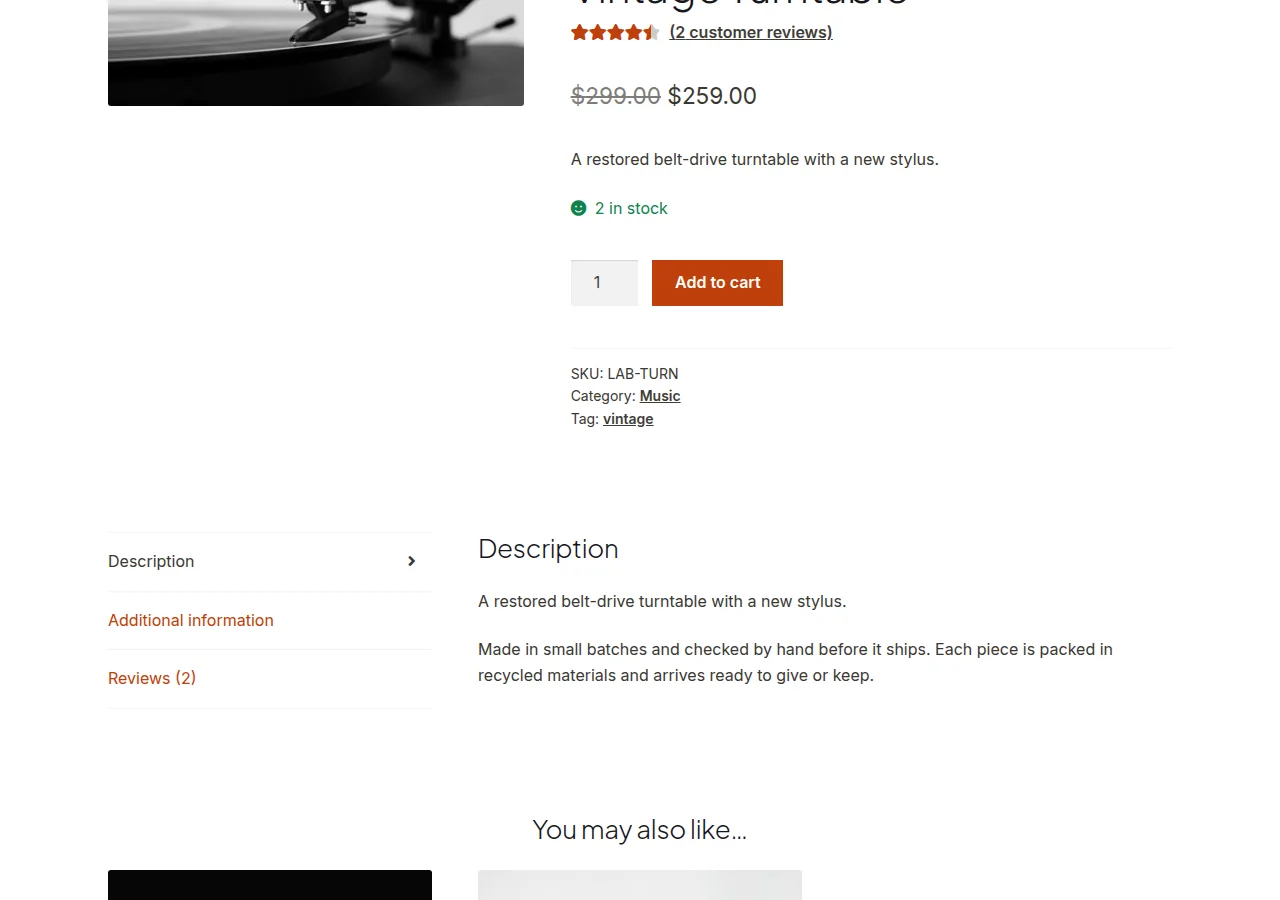
Hiding the button alone can look like a bug to shoppers — add a short notice explaining the restriction so it reads as intentional.
/** Explain why the button is missing for already-purchased one-time products */
add_action( 'woocommerce_single_product_summary', 'explain_one_time_purchase_limit', 31 );

function explain_one_time_purchase_limit() {
    global $product;
    if ( is_user_logged_in() && wc_customer_bought_product( '', get_current_user_id(), $product->get_id() ) && ! $product->is_purchasable() ) {
        echo '<p class="already-owned-note">You already own this item — it can only be purchased once per account.</p>';
    }
}

Troubleshooting
Guests Can Still Buy It Multiple Times
This is expected with the snippet as written — wc_customer_bought_product() relies on a logged-in account or matching billing email tied to past orders, so guest checkouts without a consistent identifier aren’t reliably tracked.
Item Already in Cart Doesn’t Get Removed After the Restriction Is Added
Add a cart validation check on woocommerce_check_cart_items that removes the item and shows a notice if it’s already owned, since this filter alone only affects new attempts to add to cart, not items already sitting in an existing cart/session.
Frequently Asked Questions
Does this work for guest checkouts?
Not reliably — wc_customer_bought_product() checks by user ID or billing email tied to a WordPress account, so it’s most accurate for logged-in customers with consistent accounts.
Can I limit purchases to once per year instead of forever?
Yes, with more logic — query the customer’s orders for that product within a specific date range instead of any historical purchase, then apply the same purchasable restriction based on that narrower check.
Will refunding an order let the customer buy the product again?
Depends on the order status wc_customer_bought_product() considers a “bought” order — by default it typically checks completed/processing orders, so a fully refunded and cancelled order may no longer count, letting a repurchase go through.
Conclusion
A single filter on woocommerce_is_purchasable is enough to stop repeat purchases of a one-time product for logged-in customers, though it’s worth adding a clear on-page message and a cart-level check so the restriction doesn’t read as a bug to shoppers. Getting this right is really what let a customer purchase a woocommerce product only once comes down to.
See also How to Let Customers Set Their Own Product Price in WooCommerce. Then read How to Let Customers Request a Quote for Multiple Products at Once.
Prefer no code? All-in-One Utilities Woo Add-on adds over 50 WooCommerce features, so you can switch them on without code.