
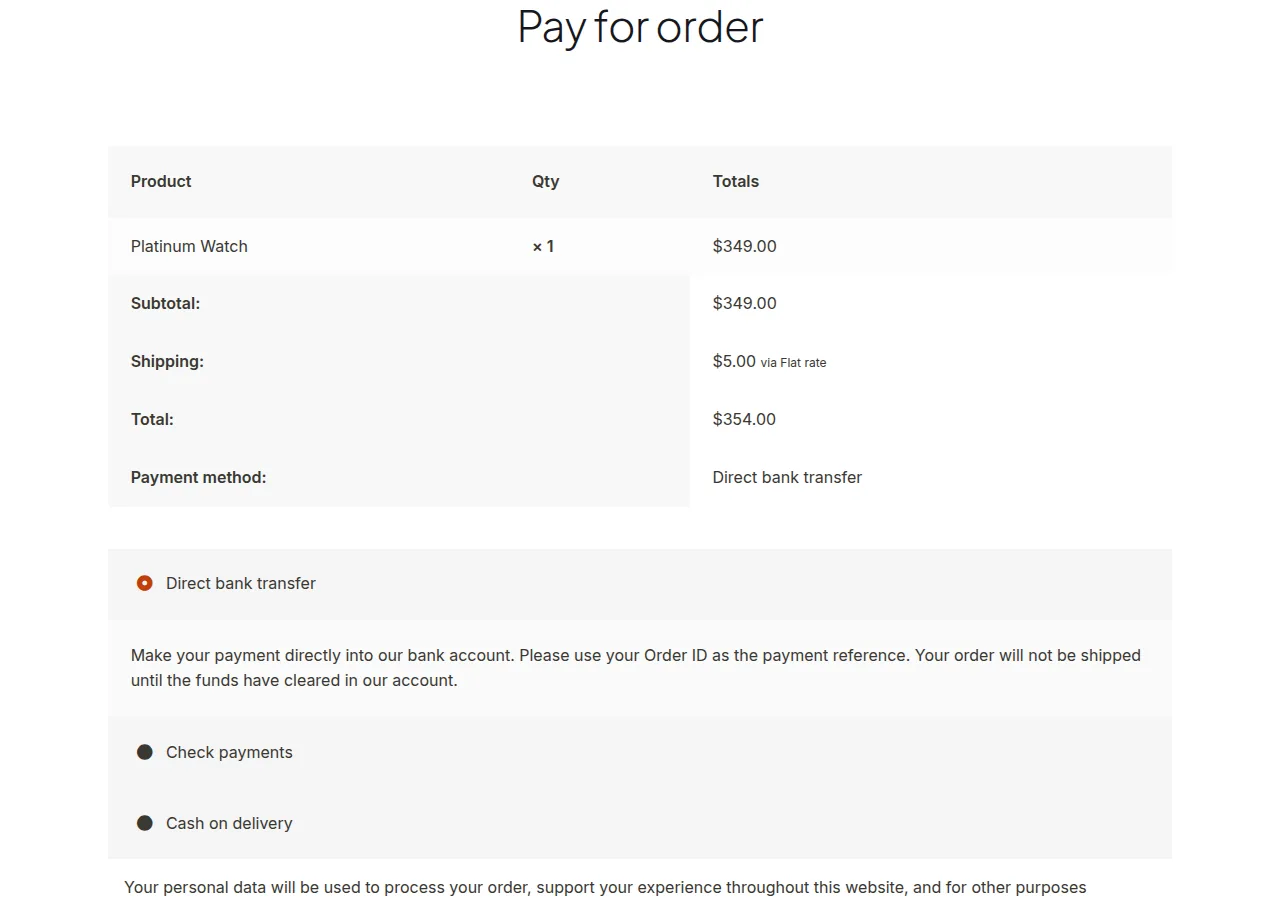
You can let customers pay for an order without logging in by overriding the capability check WooCommerce runs on the Pay for Order page, and disabling the separate email-verification requirement guest orders normally trigger.
Why Remove the Login Requirement on Pay for Order
- Deposit and subscription-renewal plugins often link customers straight to a payment link
- Forcing a login at that point adds friction and can tank conversion on pending payments
- Guest orders trigger a separate “verify your email” wall that also needs disabling
- Two small filters solve both blockers together
Step 1: Override the Capability Check
WooCommerce checks the pay_for_order capability against the logged-in user by default. This filter grants that capability whenever a valid order key is present in the URL, regardless of login state.
/** Allow paying for an order without requiring login, when a valid order key is present */
add_filter( 'user_has_cap', 'unlock_guest_order_payment_capability', 9999, 3 );

function unlock_guest_order_payment_capability( $all_caps, $requested_caps, $args ) {

    if ( isset( $requested_caps[0], $_GET['key'] ) && 'pay_for_order' === $requested_caps[0] ) {
        $order_id = isset( $args[2] ) ? $args[2] : null;
        $order    = wc_get_order( $order_id );

        if ( $order ) {
            $all_caps['pay_for_order'] = true;
        }
    }

    return $all_caps;
}
Step 2: Skip the Email Verification Wall
Even with the capability unlocked, WooCommerce may still show “you must verify the email address associated with the order” for guest checkouts. Disable that separately.
/** Skip the email verification step on the guest order-pay page */
add_filter( 'woocommerce_order_email_verification_required', '__return_false', 9999 );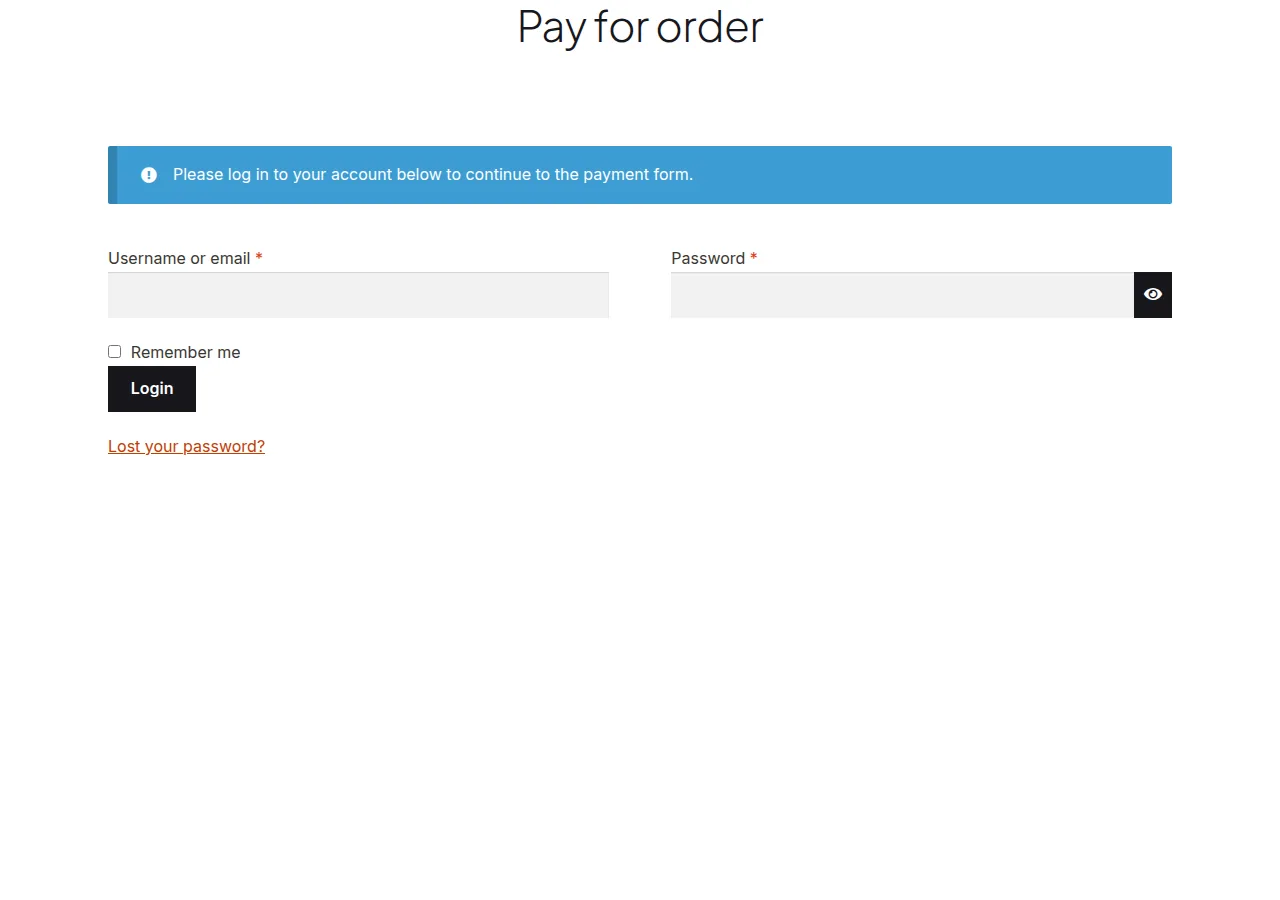
Troubleshooting
Still asked to log in after adding both filters
Confirm the order key (?key=wc_order_xxxx) is present and correct in the payment link — without it, the capability override has nothing to validate against and the default restriction applies.
Security concerns about removing verification
The order key itself acts as the access token here, similar to how order-tracking links work elsewhere in WooCommerce. Keep payment links private and don’t index them for search engines via your robots rules.
Frequently Asked Questions
Does this weaken account security for logged-in customers?
No, it only relaxes the requirement for the specific Pay for Order flow tied to a valid order key — it doesn’t change login requirements anywhere else on the site.
Can I limit this to specific order statuses?
Yes, add a status check like $order->has_status( 'pending' ) inside the callback so the override only applies to orders awaiting payment.
Will this affect the “My Account” order history?
No, it only touches the capability check used specifically for paying an order via a direct link, not the account dashboard’s order list.
Conclusion
Two small filters are enough to let customers pay for an order without logging in, which matters most for deposit and subscription-renewal flows sent by direct payment link. Test with a real pending order and a fresh incognito browser session to confirm both the capability and verification checks are bypassed correctly.
See also How to Display the Customer Address on the WooCommerce Order Pay Page. Then read How to Let Customers Edit Processing Orders in WooCommerce.
Prefer no code? All-in-One Utilities Woo Add-on adds over 50 WooCommerce features, so you can switch them on without code.