
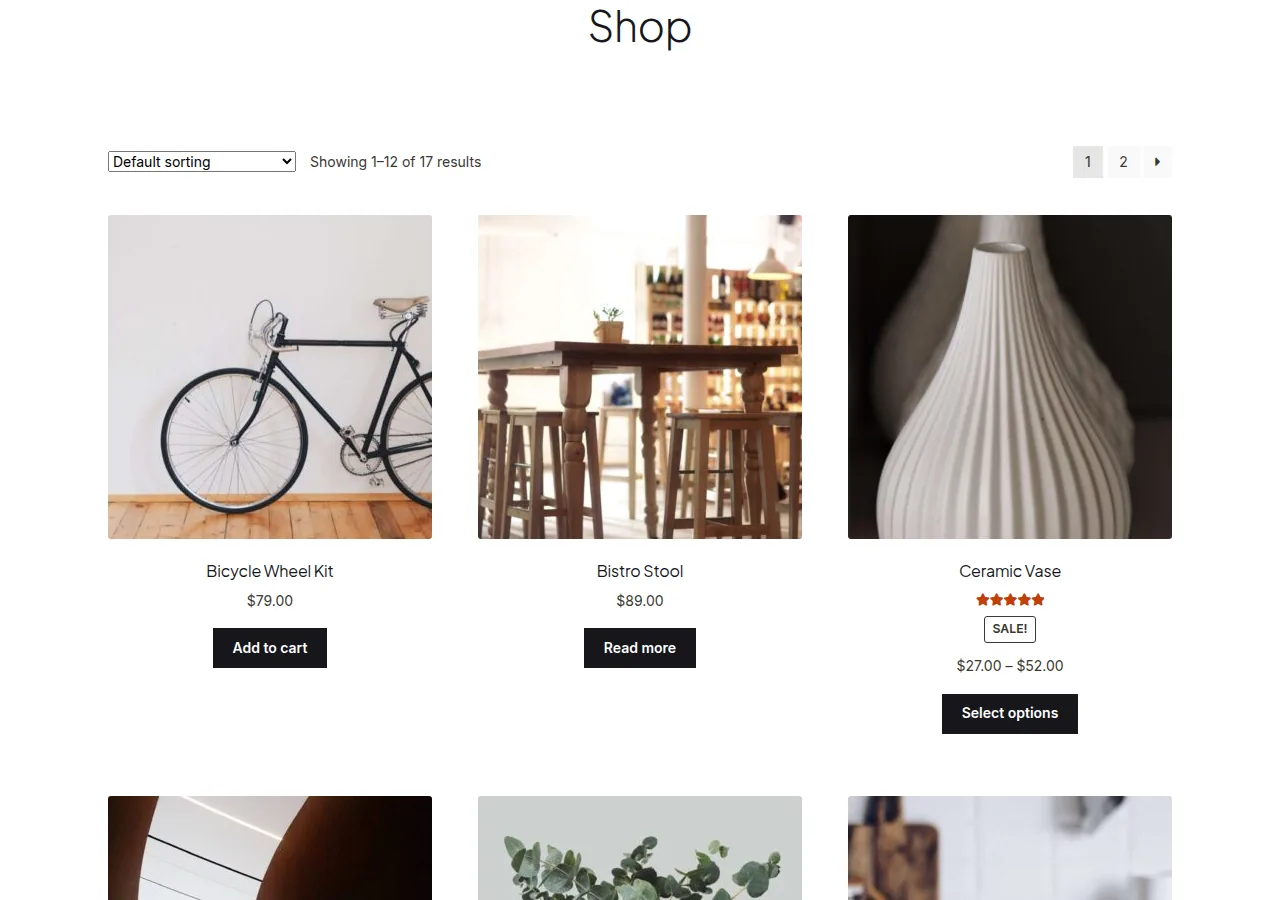
To remove the default sorting dropdown in WooCommerce, unhook woocommerce_catalog_ordering from woocommerce_before_shop_loop — on themes like Storefront that register the dropdown twice, you’ll need to remove both instances so it doesn’t reappear at the bottom of the loop.
Why Remove the Sorting Dropdown
- A small catalog with only a handful of products rarely benefits from sort options
- Simplifying the shop page toolbar for a cleaner, more minimal layout
- Replacing it with a custom sort/filter UI elsewhere on the page
Step 1: Remove the Dropdown (Default Themes)
/** Remove the product sorting dropdown from the shop page */
remove_action( 'woocommerce_before_shop_loop', 'woocommerce_catalog_ordering', 30 );
Step 2: Remove the Dropdown on the Storefront Theme
Storefront overrides the default hook priority and also duplicates the dropdown after the product loop, so a single remove_action call at the top level often isn’t enough. Wrap the removal in wp so it runs after the theme registers its own hooks, and target both instances:
add_action( 'wp', 'strip_storefront_sorting_dropdown' );

function strip_storefront_sorting_dropdown() {
    remove_action( 'woocommerce_before_shop_loop', 'woocommerce_catalog_ordering', 10 );
    remove_action( 'woocommerce_after_shop_loop', 'woocommerce_catalog_ordering', 10 );
}

Why the Priority Differs by Theme
The default WooCommerce templates register the ordering dropdown at priority 30, but Storefront overrides it at priority 10 and adds a second copy after the loop — this is why the same removal code doesn’t work identically across every theme.
Troubleshooting
The Dropdown Still Shows After Adding the Snippet
If neither snippet above works, your theme likely registers the ordering dropdown at yet another priority or through its own custom template rather than the standard hook. Search your theme’s files for woocommerce_catalog_ordering to find the exact hook and priority it’s using.
Result Count Text Disappears Too
The “Showing X results” text is a separate function (woocommerce_result_count) on the same hook — removing the ordering dropdown won’t affect it unless you also target that function specifically.
Frequently Asked Questions
Can I remove the dropdown only on mobile?
Yes — wrap the remove_action() call in a wp_is_mobile() check so it only applies on smaller screens, though a CSS media query hiding the element is often simpler for a responsive-only tweak.
Will removing this affect the default sort order of products?
No — products still sort according to your Shop page’s default ordering setting (Settings > Products > Default product sorting); this snippet only removes the customer-facing dropdown control.
Can I replace it with my own custom sorting UI instead?
Yes — after removing the default dropdown, hook your own custom form into the same position and submit to the same orderby query parameter WooCommerce already listens for.
Conclusion
A single remove_action() call is usually enough to remove the default sorting dropdown in WooCommerce, but always check your specific theme — Storefront and similar themes need a slightly different, doubled-up approach to catch every instance.
See also How to Customize the Sorting Options on the WooCommerce Shop Page. Then read How to Add a Product Category Dropdown to the WooCommerce Shop Page.
Prefer no code? All-in-One Utilities Woo Add-on adds over 50 WooCommerce features, so you can switch them on without code.