
You can add an Is This a Gift checkbox to the WooCommerce product page by storing the shopper’s selection in the cart session and then using it to relabel the checkout’s shipping address section, turning a generic “ship to a different address” form into a clearer “who is this gift for?” prompt.
Why Add a Gift Checkbox
- Reduces confusion when shoppers use the shipping address form to send an item to someone else
- Makes the checkout experience feel more intentional for gift purchases
- Can be extended to trigger gift wrapping options, gift notes, or gift receipts
Step 1: Display the Checkbox on the Product Page
/** Show an "Is this a gift?" checkbox before the Add to Cart quantity field */
add_action( 'woocommerce_before_add_to_cart_quantity', 'render_is_gift_checkbox', 35 );

function render_is_gift_checkbox() { ?>
    <p class="is-gift-wrapper">
        <label class="checkbox">
            <input type="checkbox" class="woocommerce-form__input woocommerce-form__input-checkbox input-checkbox" name="is_gift_purchase" id="is_gift_purchase" value="yes">
            <span>Is this a gift?</span>
        </label>
    </p>
<?php }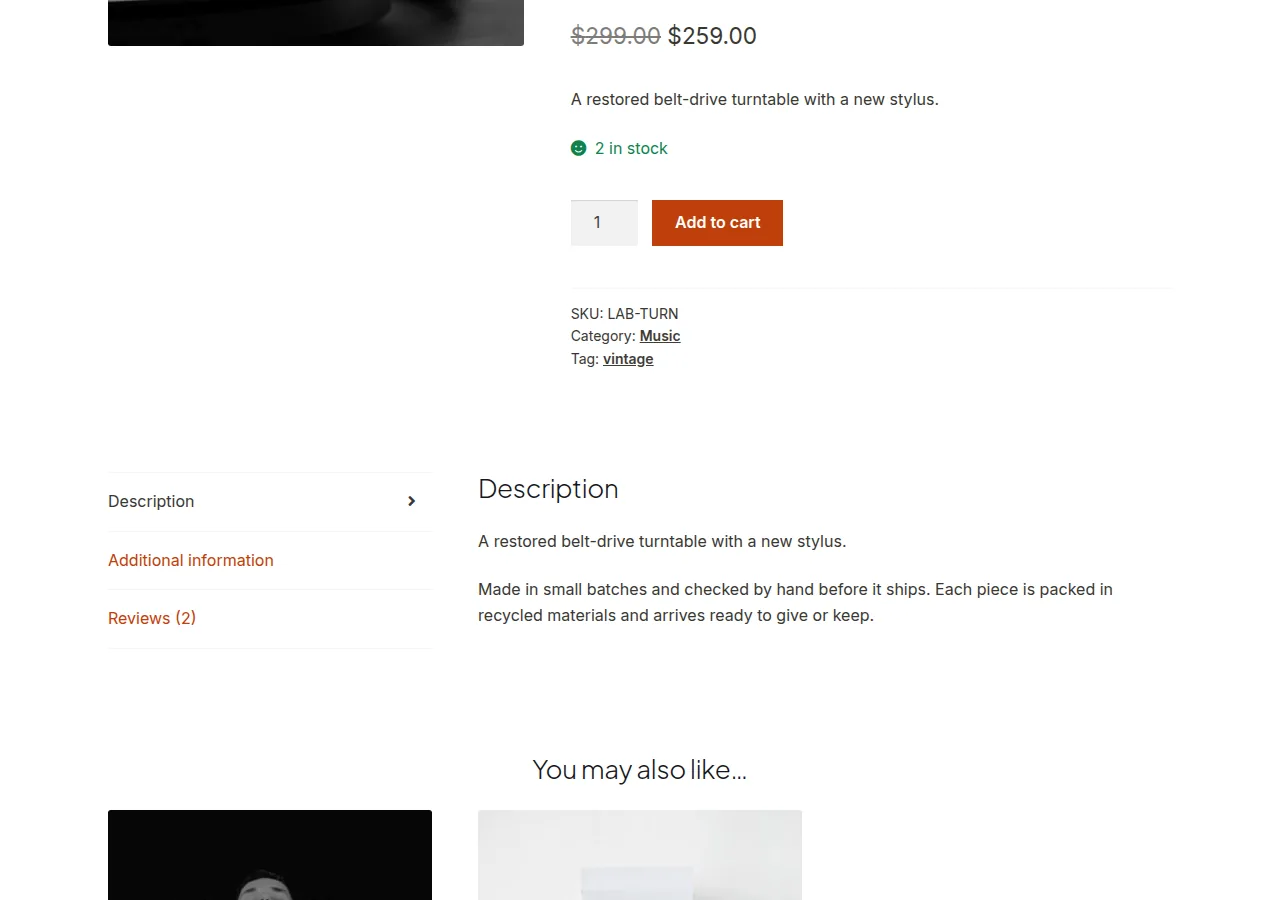

Step 2: Store the Selection on the Cart Item
add_filter( 'woocommerce_add_cart_item_data', 'store_gift_flag_on_cart_item', 10, 2 );

function store_gift_flag_on_cart_item( $cart_item_data, $product_id ) {
    if ( isset( $_POST['is_gift_purchase'] ) && 'yes' === $_POST['is_gift_purchase'] ) {
        $cart_item_data['is_gift_purchase'] = 'yes';
    }
    return $cart_item_data;
}
Step 3: Preserve the Flag Across Sessions
add_filter( 'woocommerce_get_cart_item_from_session', 'restore_gift_flag_from_session', 10, 2 );

function restore_gift_flag_from_session( $cart_item, $values ) {
    if ( isset( $values['is_gift_purchase'] ) ) {
        $cart_item['is_gift_purchase'] = $values['is_gift_purchase'];
    }
    return $cart_item;
}
Step 4: Relabel the Checkout Shipping Section If a Gift Is in the Cart
add_filter( 'woocommerce_ship_to_different_address_checked', 'auto_open_shipping_for_gift' );

function auto_open_shipping_for_gift( $checked ) {
    foreach ( WC()->cart->get_cart() as $cart_item ) {
        if ( isset( $cart_item['is_gift_purchase'] ) ) {
            return 1;
        }
    }
    return $checked;
}

add_filter( 'woocommerce_checkout_fields', 'rename_shipping_heading_for_gift' );

function rename_shipping_heading_for_gift( $fields ) {
    foreach ( WC()->cart->get_cart() as $cart_item ) {
        if ( isset( $cart_item['is_gift_purchase'] ) ) {
            add_filter( 'gettext', function( $translated, $original, $domain ) {
                if ( 'Ship to a different address?' === $original ) {
                    return 'Who is this gift for?';
                }
                return $translated;
            }, 10, 3 );
            break;
        }
    }
    return $fields;
}
Troubleshooting
The Checkbox Value Doesn’t Persist to Checkout
Confirm both the cart-item-data and session-restore filters are active — skipping the session restore step means the flag disappears the moment the cart page reloads.
Shipping Heading Doesn’t Rename
Confirm the original string matches exactly, including punctuation — a mismatched source string in the gettext check silently fails to replace it.
Frequently Asked Questions
Can I add a gift note field along with the checkbox?
Yes — follow the same three-step pattern (display, store, restore) for an additional textarea field capturing the gift message.
Does this work for variable products?
Yes — the checkbox hook fires on any single product page regardless of product type.
Can I charge extra for gift wrapping using this same flag?
Yes — check for the flag in a woocommerce_cart_calculate_fees hook and add a gift-wrapping fee conditionally.
Conclusion
Adding an Is This a Gift checkbox to the WooCommerce product page takes four coordinated steps — display, store, restore, and use — to carry a shopper’s gift intent all the way from the product page into a friendlier checkout experience.
See also How to Sell Gift Cards in WooCommerce. Then read How to Set Up Buy One Get One Free in WooCommerce Without a Plugin.
Prefer no code? All-in-One Utilities Woo Add-on adds over 50 WooCommerce features, so you can switch them on without code.